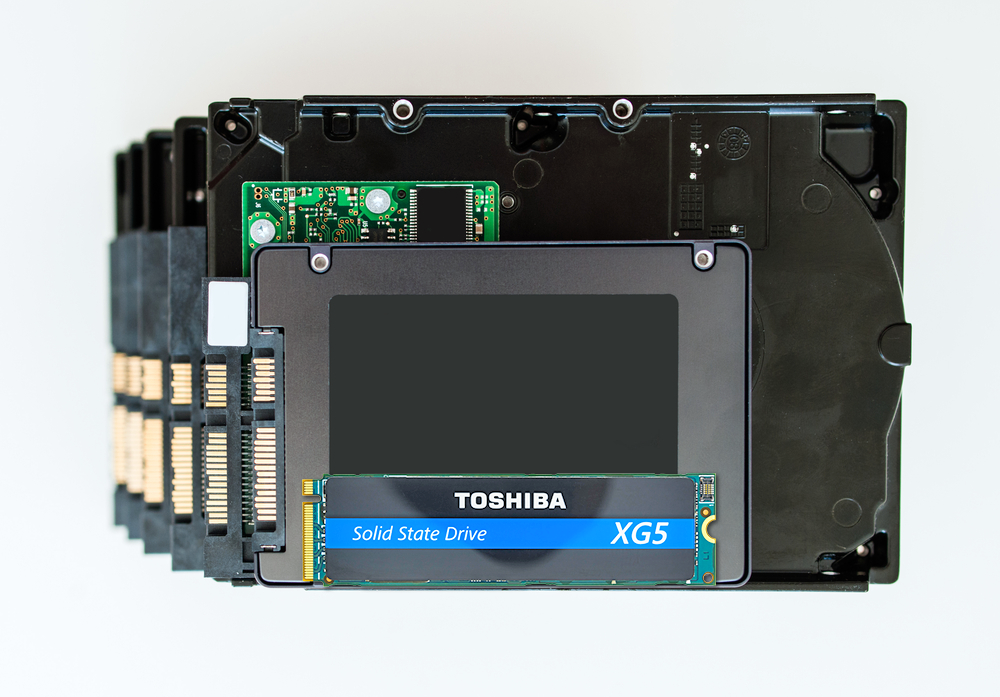
With all of the exciting hot products launched at last month’s CES 2018 in Las Vegas, I was impressed with the amount of cool PCs enabled with Toshiba’s highly reliable and quality SSDs, like the PCIe® NVMe™ XG5 one terabyte solid-state drive (SSD)1 While I can do most of my day-to-day communication, listening to music and web-browsing on my mobile phone, my PC is still an integral part of my on-the-go lifestyle. My PC allows me to multi-task, view videos, research, write and more. I love the attractive, slim designs with amazing screen resolutions. Also, many of the newer PCs feature super-quick quad-core Intel® Core™ i-family performance, are ultra-light weight, portable and dependable.2
It’s significant that many PCs announced offer up to a 1TB PCIe NVMe SSD3, a.k.a. flash storage from Toshiba with optimized, flexible low power and extreme performance capabilities. One terabyte of flash storage in these ultra-light PCs amazingly allows for approximately 17,000 hours of music, 1,000 hours of video, 300,000 photos and 500 hours of video. The NVMe SSDs are taking over the PC vertical space as its ideal M.2 thin stick-of-gum form factor plays a role in the sleek design, PCIe delivers many benefits over SATA SSDs and they are more economical on a dollar per GB basis.
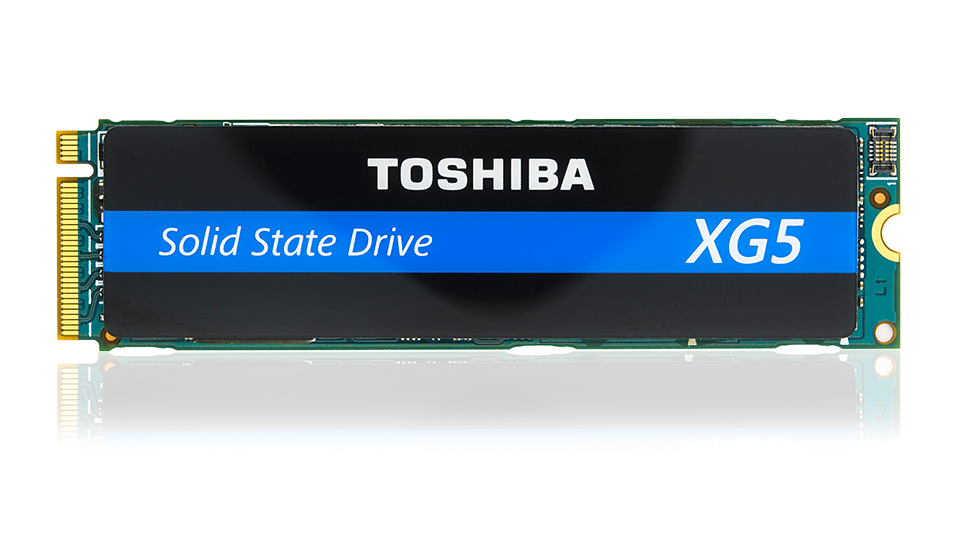
Toshiba PCIe NVMe M.2 SSD
Many CES attendees know that PCIe refers to a standard type of connection for internal devices in a computer. Non-volatile memory express (NVMe) an interface protocol specifically designed for SSDs and is connected to the PCIe bus providing much faster transfer of data. SATA has been the most widely used drive interface due to its cost effectiveness, however SATA transfer rates are not as efficient as PCIe. PCIe NVMe SSDs in consumer PCs provide some key benefits including:
Quick Performance Provides Instant Access
The new storage trend in PCs shows that NVMe SSDs are quickly replacing SATA SSDs. This is not only because NVMe SSDs are about five times faster due to higher IO bandwidth and lower latency, but also their ability to quickly boot in seconds. I recall when my PC still had a hard disk drive (HDD) and had time to get coffee and make a few phone calls before it was up and running. I love the stark contrast of a HDD to NVMe PCIe SSD which provides more than 50 times performance improvement. This enables launch of apps like Instagram, Pinterest, Snapchat and Facebook faster, instant access to videos, documents, music, photos, and quick transfer of files.
Reliability and Dependability
SSDs are more reliable and allow you to access your data virtually anywhere. They have no moving parts like HDDs, which tend to have mechanical failures. SSDs require less power to operate than HDDs, are ultra-durable and shock and vibration resistant meaning I don’t have to worry about losing my data.
I look forward to other applications (i.e., gaming) which benefit from PCIe NVMe SSDs. Learn more about Toshiba NVMe SSDs which deliver excellent performance with the latest generation NAND memory and multiple gigabytes of throughput and latency.
1 PCI Express and PCIe are trademarks of PCI-SIG. NVMe is a trademark of NVM Express, Inc.
2 Intel and Core are trademarks of Intel Corporation or its subsidiaries in the U.S. and/or other countries.
3 Definition of capacity: Toshiba Memory Corporation defines a megabyte (MB) as 1,000,000 bytes, a gigabyte (GB) as 1,000,000,000 bytes and a terabyte (TB) as 1,000,000,000,000 bytes. A computer operating system, however, reports storage capacity using powers of 2 for the definition of 1TB = 240 = 1,099,511,627,776 bytes and therefore shows less storage capacity. Available storage capacity (including examples of various media files) will vary based on file size, formatting, settings, software and operating system and/or pre-installed software applications, or media content. Actual formatted capacity may vary.
4 Toshiba internal SSD lab testing performance July 2017.
5 HDD performance example https://en.wikipedia.org/wiki/IOPS